Embroidery Digitizing
Your logo, turned into stitches.
Embroidery machines sew from a stitch file, not a picture. Digitizing redraws your logo as stitches: their direction, their order and their colors.
What digitizing decides
A picture tells a machine nothing about how to sew. A stitch file does. For every part of your logo the digitizer chooses the kind of stitch (a narrow column for letters and outlines, a fill for larger areas), the direction the stitches run, how close together they sit, and a layer of stitching underneath that keeps the fabric from showing through.
The file also sets the order of the colors and where the machine trims the thread. Good digitizing is the difference between a logo that looks crisp and one that looks lumpy, and it is why the same logo can be sewn the same way on the hundredth piece as on the first.
From your file to the machine
- You upload your logo: Any clear image. The studio checks it and tells you in plain words if something needs work.
- It is redrawn as stitches: By a person, part by part, for the size and the place you picked.
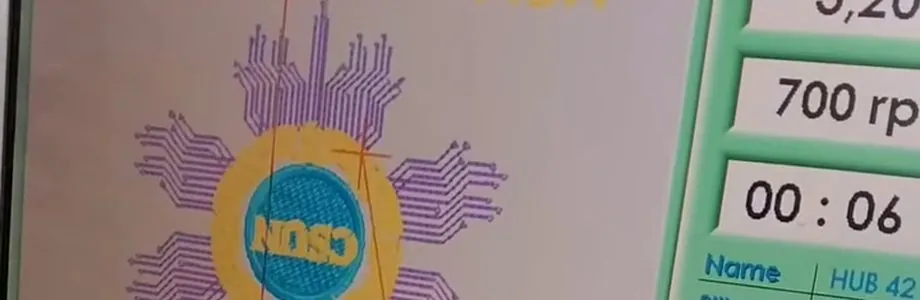
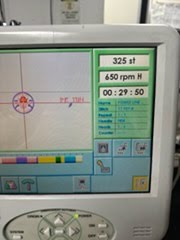
A design loaded on the embroidery machine's screen, with its speed and time - It runs on the machine: The machine reads the file and shows the design, its speed and the time left.
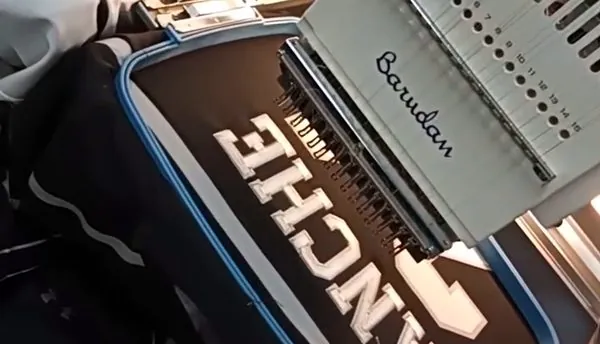
A name being stitched on a jersey in a blue hoop - It stays on file: A reorder of the same logo uses the file we already have.
What makes a logo digitize well
- Solid colors: Each one becomes a thread. Fades become solid steps of color.
- Letters that are not tiny: Small text is the first thing to fill in. A little bigger sews much cleaner.
- Lines with some weight: A hairline can vanish into the fabric. The studio flags thin lines.
- A clean background: A logo on a transparent background is easiest. A solid box behind it would be stitched too.
What you send
- Any clear image: PNG, JPG, WebP, SVG or GIF, up to 25 MB.
- A photo or a screenshot: It works to start. Our digitizer redraws your logo as stitches.
- We check it: The studio flags fades, thin lines and solid backgrounds in plain words.
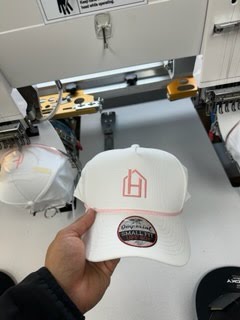
From the screen to the cap
Questions people ask about digitizing
Is my logo digitized again when I reorder?
No. It is done once. A reorder of the same logo uses the file we already have, so it matches the last order.
My logo has a fade or a shadow. What happens to it?
Thread cannot blend, so a fade becomes solid steps of color and a soft shadow is usually dropped or made a solid shape. You see your logo on the item before you order.
Does the same file work on a hat and on a jacket back?
Not always. A design is digitized for its size and for the fabric: a small cap logo and a large jacket back are sewn differently, so each may need its own file.
What logo file do I need?
Any clear image to start: PNG, JPG, WebP, SVG or GIF, up to 25 MB. If all you have is a photo or a screenshot, send it: the studio checks it in plain words, and our digitizer redraws it as stitches. If your logo is an AI, EPS or PDF file, save it as an SVG or a PNG first.
Will I see my logo before you make it?
Yes. You see your logo on the item before you order, and that mockup stays with your order. After you order, the shop may send a picture to check the look; it never changes your price. The product page shows your logo on the item before you order, and My Orders keeps your mockup with your order.
Can I reorder later?
Yes. Your past orders and your logo stay in My Orders, so the next order starts from what we already have.
Related
- Custom embroidery: What happens after the file is made.
- What logo file do I need?: Files that work, and what to do with a photo.
Tell us what you want to make.
We'll help you make it. Pick what you have in mind, add your logo or just your idea, and see your price as you go. Your total shows before you order, and placing the order confirms it.